
To turn a Wix website into an app, first decide whether customers need Wix’s member or branded app experience, or your published site inside an app shell. A converter follows the mobile site you already designed.
Wix Stores, Bookings, Members, forms, and widgets need a full phone test before you pay for a build.
First, define what “my Wix app” means
People use that phrase for three different things. The Wix management app helps you run your own site and business. Wix member apps, such as Spaces by Wix and Fit by Wix, give customers a place to interact with participating businesses. Your own branded app carries your business name and icon in the stores. Wix explains these categories in its mobile apps overview.
If a shared member app fits, explore it first. For a listing under your own brand, compare Wix’s branded app with a converter or custom project. Check current plan terms, account ownership, and how updates reach users.
SiteTo.App displays your published Wix site in a branded shell, with configurable navigation and optional Firebase push notifications. You keep editing in Wix. The Wix platform checklist covers the flows to preview.
Decide whether to reuse the site or build a different experience
Reusing your website is sensible when customers already complete their main tasks on its mobile version. A service business might want a fast path to book again. A shop might want repeat customers to browse products and reach the existing checkout. A members site might want a familiar login and content area.
A different app experience takes more work. If you need screens that do not exist on the website, custom account logic, or device features outside the converter's documented settings, plan for a dedicated app product. A converter does not redesign Wix pages into native screens. It makes the mobile web experience available through an app, so the site's strengths and weaknesses come with it.
Test a returning customer’s full journey in each route: for example, open a class schedule, book a slot, and see the confirmation.
Check the Wix Editor or Studio mobile view first
Wix says the standard Editor generates a mobile-friendly version of a site and lets you adjust it in the mobile editor. In Wix Studio, responsive layouts are controlled with breakpoints. The published mobile site is the starting point for a site-based app, so review it page by page before opening an app builder. See Wix's Editor mobile-view guide for the current controls.
Use a phone to check tap targets, keyboard behavior, and loading beyond the editor layout:
- Is the first useful action visible without dismissing a full-screen promotion?
- Do menus, product filters, and booking calendars fit without sideways scrolling?
- Are sticky headers, chat bubbles, and cookie controls competing for the same small area?
- Are text and form fields readable when the keyboard opens?
- Do mobile-only elements point to pages that still make sense inside an app?
Fix and republish broken mobile pages in Wix before testing the app preview.
Test Members login as a complete journey
Wix Members can include account pages and member-only content, and the tabs available depend on the Wix apps installed. Wix documents those details in its Studio Members Area guide. For your app decision, the key question is whether your published login flow works in the embedded view.
Start signed out on a phone. Create or use a test account, sign in, open a protected page, leave the area, and return. Then try password reset and sign-out. If you use a social sign-in or an external identity service, test every redirect and new window. Do not assume that a successful browser login proves the app preview will behave identically. Record the exact screen where any step stalls.
If iOS reviewers need a login, prepare working demo credentials and a route to protected content.
Walk through Stores and Bookings before building
For a Wix Store, test from a product page to an order confirmation. Include variants, the cart, discounts, delivery details, and each payment method you intend to support. Checkout may redirect or invoke a wallet, so inspect the whole path in the app preview. A visible product grid alone is not a checkout test.
For Wix Bookings, choose a service, date, and time; sign in if required; complete the booking; and find the confirmation afterward. Repeat with a canceled or changed booking if that is part of your normal customer journey. Watch for calendar controls that need a wider screen and for external payment or confirmation pages. The Wix platform page specifically recommends testing bookings, members, store checkout, chat, and embeds for your configuration.
Where possible, use test data and an approved payment test method. Record the device, page URL, and result.
Give forms, pop-ups, and external links their own pass
Contact forms, newsletter widgets, chat, and promotional pop-ups often sit outside the main shopping or booking path, but they can block it. Open the site fresh, accept or reject any consent banner, submit a form, and verify where the response lands. If a pop-up appears after a delay, wait long enough to see it. Check whether it can be closed without hunting for a tiny corner button.
External links need a decision too. A map, video, document, or payment page might open in the app or in the device browser. Try each one and make sure the user can return to the original task. If an embed fails only in the app preview, check that tool's current embedding requirements and contact its provider before you promise that flow in the app.
What SiteTo.App includes, and what it cannot promise
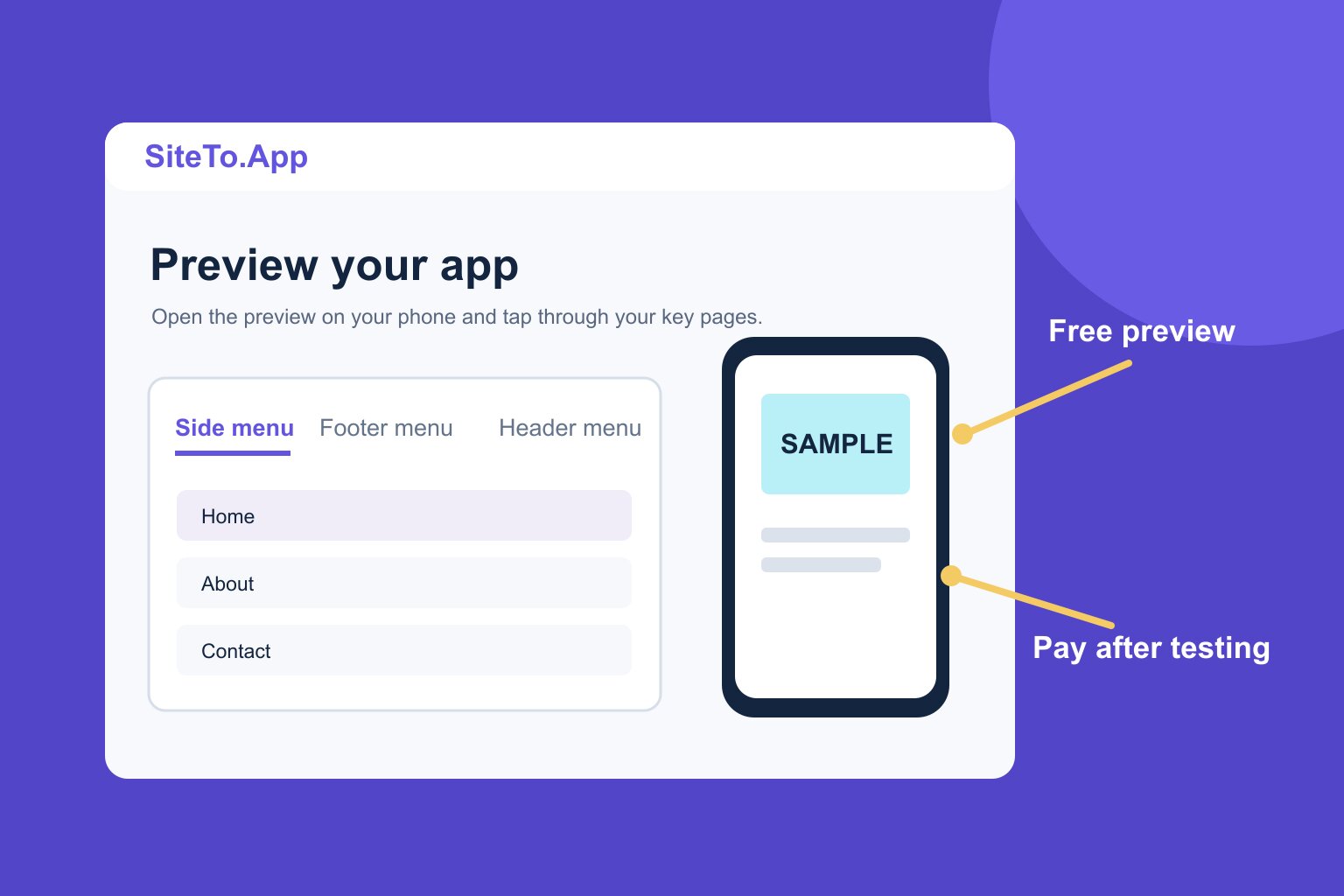
In SiteTo.App you add your URL, configure app name, icon, colors, launch screen, and navigation, then preview the result. Its build price is one-time per build: $29 for Android, $79 for iOS, or $99 for both. Apple and Google developer accounts and their store fees are separate. The pricing page has the current product breakdown; all supported platforms explains the same URL-based approach for other site builders.
The app loads your live website. Published Wix changes appear when users load or refresh the relevant pages; you do not need a new app build for ordinary site content changes. Native shell changes are a different matter and may require a new build. Push notifications require Firebase setup and user permission; follow the Firebase connection guide if notifications are part of your plan.
Apple reviews the finished app under Guideline 4.2. Give customers a useful mobile journey and use the Guideline 4.2 guide before submission. The conversion guide and publishing guide cover the full sequence.
Your Wix to app readiness checklist
Before buying a build, confirm each item with a real device:
- The published mobile homepage has a clear first action and no overlapping banners.
- The three highest-value customer journeys work from start to finish.
- Members can sign in, reset a password, and reach protected content.
- Stores or Bookings complete their full checkout or reservation flow.
- Forms send successfully, pop-ups close, and external links have a return path.
- You own or control the developer accounts and have a privacy policy and support contact.
- Your app navigation adds value rather than repeating every link in the site menu.
Record failed steps and retest after fixing the site. See the create and publish guide for the build workflow.
Common questions
Can I convert a Wix website to an iOS app without rebuilding it?
Yes, if your published mobile site provides the experience you want. A site-based converter packages that URL in an app shell. Test login, booking, checkout, and external tools in the preview before purchasing an iOS build. Apple still reviews the result.
Does Wix have its own mobile app builder?
Wix documents member apps and a branded mobile app offering. They serve different needs, so compare their current features and plan terms with the experience you want customers to have. The Wix mobile apps overview is the right starting point.
Will changes in Wix show up in my app?
For a site-based app, published changes to the live website appear when the page loads or refreshes in the app. Test any site change that affects login, checkout, or third-party scripts before relying on it for customers.
Will Wix Stores and Bookings work automatically?
They use the flows on your published site, but your exact configuration needs a full preview test. Payment redirects, sign-in, calendars, and third-party tools can behave differently inside an app.
Do I need a developer account?
Yes, to publish under your own name in the stores. See the Apple account guide and Google Play account guide. Their fees are separate from the app build.
Next step
If your mobile journeys are ready, preview your Wix site as an app, run the checklist on your phone, and compare the result with Wix's current app options before choosing a build.
See your website as an app
Customize the experience and preview it before choosing a platform.
Build your preview