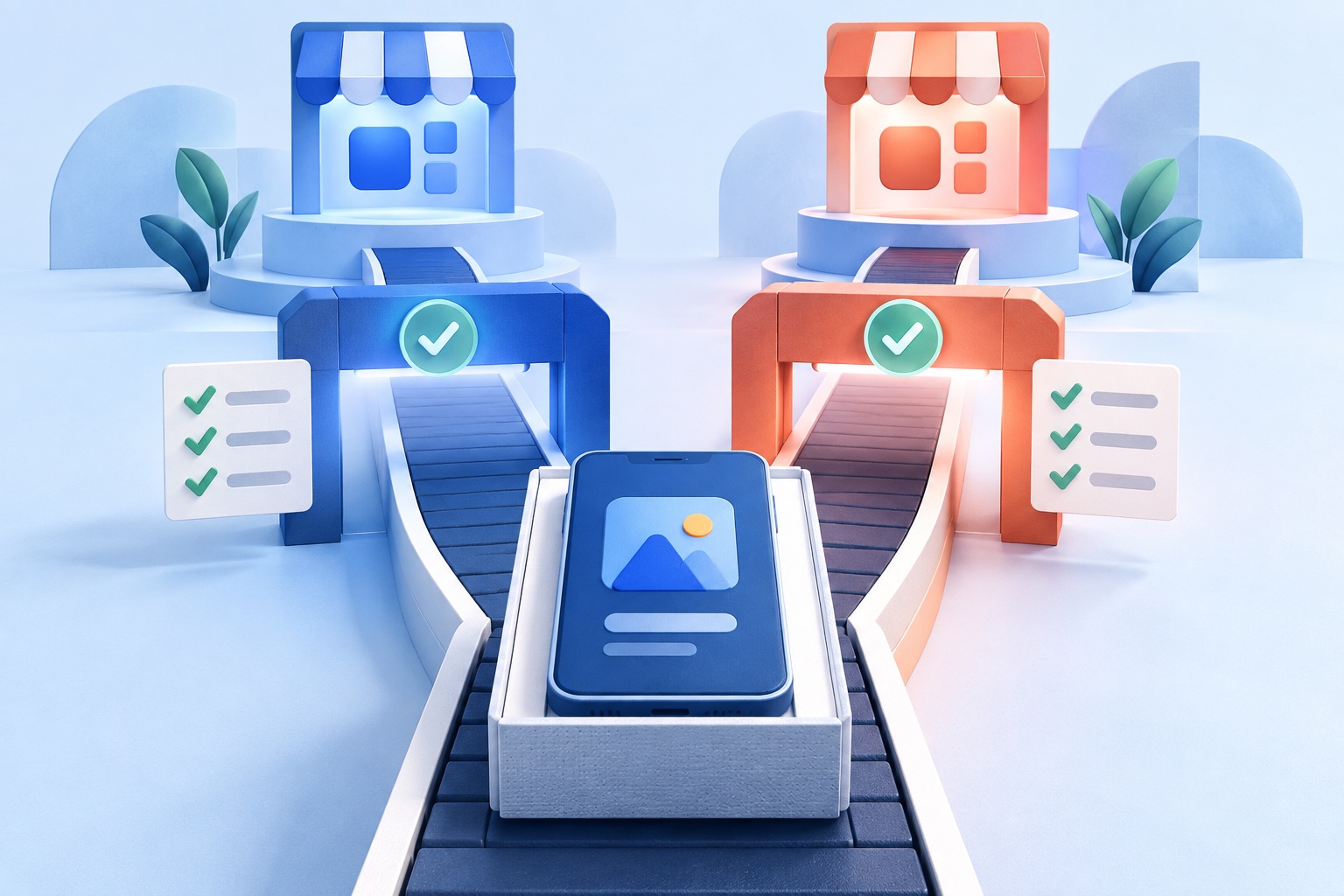
Shopify does not ship a branded mobile app for each store. To get your store into the App Store and Google Play, you choose a route, and the options differ a lot in cost, effort, and how much of your existing store they reuse.
This guide compares the four realistic routes for a Shopify merchant, explains where each one fits, and shows when turning your existing storefront into an app is enough.
Start with the goal, not the tool
Before you compare vendors, decide what the app is for:
- Convenience for repeat customers. A home-screen icon that opens your store quickly.
- Retention. Push notifications for drops, restocks, and offers.
- A different shopping experience. A native storefront with custom screens, gestures, or loyalty features.
- Brand presence. Being findable in the stores.
If the first two, plus brand presence, cover your needs, you probably do not need to rebuild your storefront. If you want a mobile experience that differs from your website, you are in a different category with a different budget.
The Shopify-owned apps are not your branded app
Two apps from Shopify itself are often mistaken for a store app:
- The Shopify mobile app is for merchants to manage their store: orders, products, and analytics. Customers do not use it.
- Shop is a consumer app where shoppers can discover and track purchases across many merchants. Your brand appears inside it but it is not your own app.
Neither gives you an app with your name and icon in the stores. For that you need one of the routes below.
Route 1: A native storefront builder
A category of tools builds a native app that reads your catalog and orders from Shopify and presents them in app-style screens. These are usually sold as Shopify apps with a monthly subscription, and some include push notifications, analytics, and personalization.
Strengths
- A real native shopping experience, with screens designed for mobile.
- Catalog and orders synced from Shopify.
- Retention features such as push campaigns and cart-recovery automations are often included.
Considerations
- A recurring subscription, often priced on a monthly basis, that grows with plan tier.
- You maintain two storefront experiences: the website and the app. A new page, section, or campaign on the site may need separate work in the app.
- Third-party Shopify apps and theme customizations do not always carry over, so check compatibility for the apps you depend on.
Best for: stores where mobile is a main sales channel and the budget supports a second storefront to run.
For named products and a sourced comparison, read our best website-to-app converters guide, which includes a Shopify-focused option.
Route 2: Custom development with Shopify's APIs
Shopify provides tools for developers who want to build a custom app. The Storefront API gives access to products, collections, carts, and customer data. Shopify's Mobile Buy SDKs for iOS and Android wrap that API in typed Swift and Kotlin methods, and Checkout Sheet Kit lets an app present Shopify's checkout, with checkout customizations and business logic carried over. You can also build headless storefronts for React Native or other frameworks.
Strengths
- Full control over design, performance, and native features.
- You own the code.
Considerations
- It is a software project. Expect a team, a design phase, quality assurance, and ongoing maintenance, usually priced in the tens of thousands of dollars or more.
- Every Shopify feature you want in the app, such as discounts, subscriptions, or loyalty, may need to be built or integrated.
- Store requirements, SDK updates, and OS changes need regular rebuilds.
Best for: larger brands with a roadmap, an engineering budget, and a reason to differ from the website.
Route 3: A PWA or home-screen shortcut
A Shopify storefront can be made installable as a PWA, usually through a theme change or a third-party app. This is free or inexpensive and works for customers who add your site to their home screen. It does not put you in the app stores, and installing is less discoverable, especially on iPhone. If store presence matters, a PWA alone is not enough. See PWA vs native vs WebView for the trade-offs.
Route 4: Turn your existing storefront into an app
A website-to-app converter takes your public Shopify URL and packages it as an iOS and Android app. Your storefront remains the product, and the app adds a name, an icon, a launch screen, native navigation, and optional push notifications.
With SiteTo.App:
- You enter your store's URL and get a free phone preview.
- Your catalog, checkout, and customer accounts stay on Shopify, and the app loads your existing storefront.
- Product, price, and content changes are made in Shopify as usual and appear in the app without a new store release.
- Builds are one-time prices: $29 for Android, $79 for iOS, $99 for both, with no subscription. Apple and Google developer accounts are separate.
- Push notifications are set up through Firebase.
Strengths
- The lowest cost and the shortest route to the app stores.
- No second catalog or storefront to maintain.
- Your Shopify apps and theme customizations that work on your mobile site generally carry over.
Considerations
- The app looks and behaves like your mobile storefront. If your mobile site is slow or awkward, the app will be too.
- It is not a custom native storefront. Deep native shopping features, such as in-app product configurators or on-device AR, are outside what a converter provides.
- Checkout and payment behavior must be tested in the embedded view. Wallets, redirects, and discount flows can behave differently from a normal browser.
- Apple expects more than a repackaged website, so add real mobile value. Read Apple Guideline 4.2: will Apple reject a website app?.
Best for: merchants who want an app and a notification channel without a second product to manage.
See the full details on the Shopify platform page.
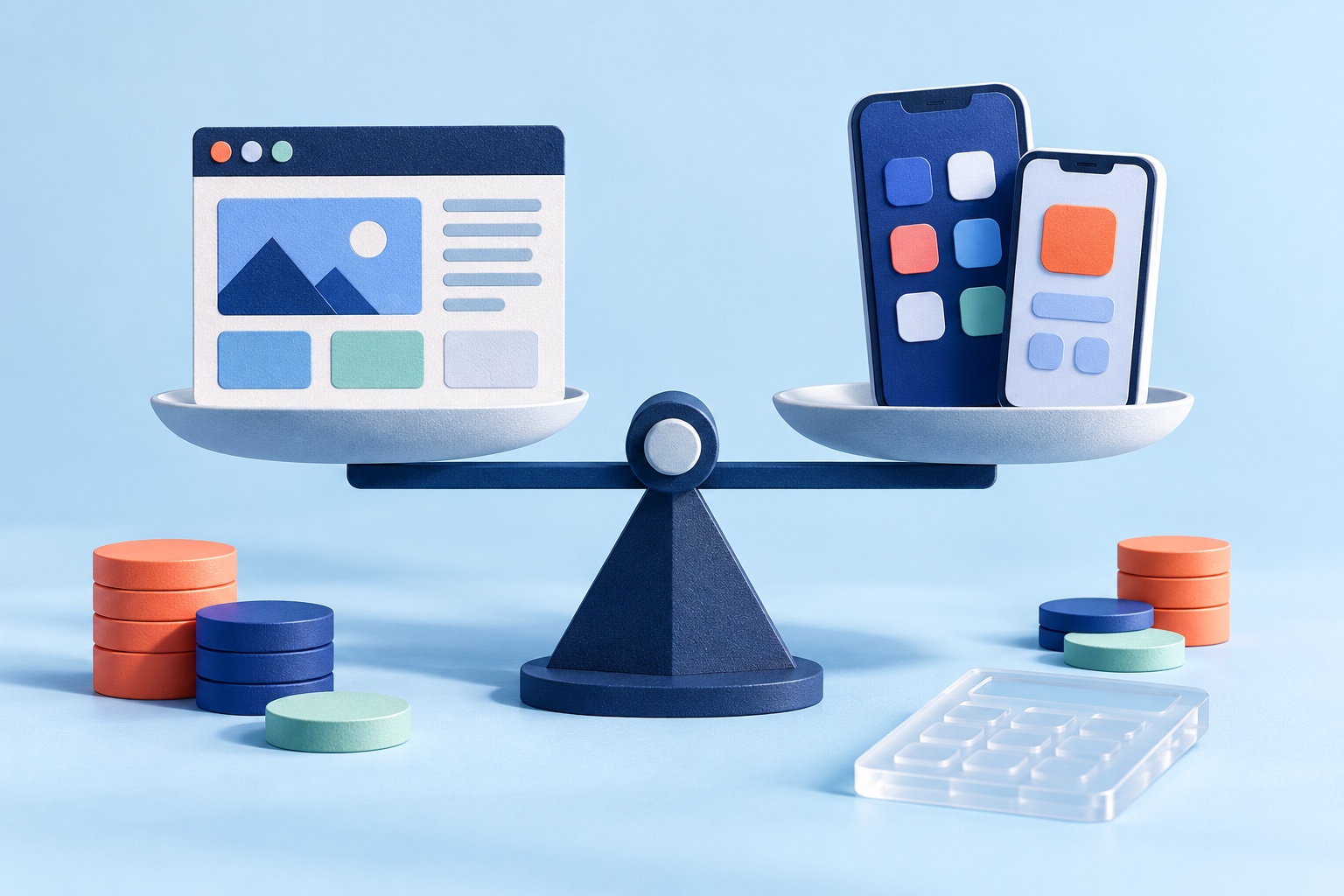
Cost comparison at a glance
These are typical ranges, not quotes. They depend on scope and change over time.
- Home-screen shortcut or PWA: Free or low cost, but not in the app stores.
- Website-to-app converter: A one-time build price. On SiteTo.App that is $29 to $99, plus developer account fees.
- Native storefront builder: A monthly subscription, usually the largest recurring cost of the packaged options.
- Custom development: A project budget and ongoing maintenance, commonly in the tens of thousands of dollars or more.
Add the costs everyone forgets: Apple's $99 yearly developer membership, Google Play's one-time $25 fee, a privacy policy, store screenshots, and the time to answer review feedback. Our cost breakdown lists them.
How to choose
Ask five questions:
- Does the app need to differ from the website? If not, a converter is enough.
- How much can you spend, and is it one-off or monthly? One-off favors a converter. Monthly favors a builder if it replaces other tools.
- How strong is your mobile storefront? If it converts well on phones, the app inherits that. If not, fix it first.
- Do you have developers? Custom builds need them. Converters do not.
- How fast do you need to launch? A converter is typically the fastest route, since there is no storefront to design or rebuild. Custom work usually takes months.
Test your store before you commit
Whichever route you choose, test these on a real phone:
- Product pages, variants, and image galleries
- Cart, discount codes, and gift cards
- Sign-in, account pages, and order tracking
- Every payment option you offer, including wallets
- Pop-ups, review widgets, and subscription apps
- Slow connections and lost connectivity
With a converter you can do this in the free preview before paying.
Common questions
Do I need a Shopify plan upgrade to have an app?
A website-based app loads your existing storefront, so it does not require a special Shopify plan. Check your own plan's terms for any limits that apply to you.
Will Shopify checkout work in the app?
The app uses the checkout your site already provides. Test accelerated payments, discount codes, and sign-in in the preview.
Can I send push notifications for new products?
Yes, with Firebase connected, customers who opt in can receive broadcast messages. See the Firebase guide.
Can I keep selling through my website?
Yes. The website and the app share the same store, so customers can switch between them.
What if I outgrow a converter?
You can move to a custom or native route later. The store, products, and customers stay on Shopify.
Next steps
If a website-based app fits your goals, preview your Shopify store as an app and try it on your phone. Then review pricing and follow the create and publish guide.
See your website as an app
Customize the experience and preview it before choosing a platform.
Build your preview