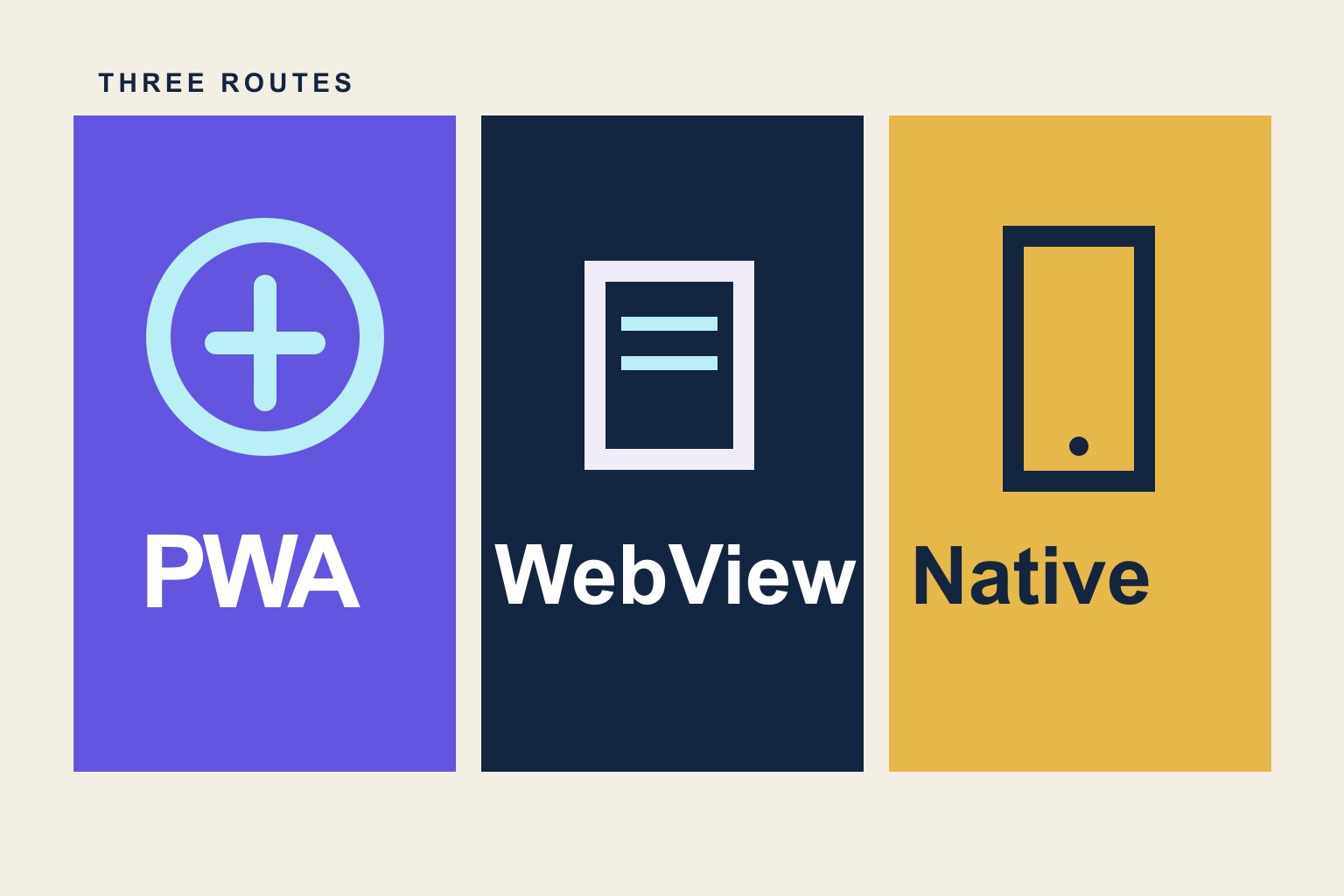
In a PWA vs native app decision, choose a PWA for web distribution and one codebase; choose custom native development for advanced offline work, Bluetooth, or demanding device features. A WebView app is a third route when a mobile-friendly website already works and you want iOS and Android store builds. Store approval still depends on the finished app.
None is universally best. The right architecture follows the product’s real requirements.
SiteTo.App, which publishes this guide, builds the WebView kind of app with no code. You enter a public, mobile-friendly website, add your app name, icon, launch screen and menus, and preview it on your phone for free. A one-time build fee ($29 Android, $79 iOS, $99 both) buys iOS and Android builds ready for you to submit.
What is a PWA?
A progressive web app is a website enhanced to behave more like an installed application. It typically uses HTTPS, a web app manifest, responsive layouts, and a service worker for caching or offline behavior. Users visit it through a URL and may add it to their home screen.
Strengths
- One web deployment reaches many devices
- Updates appear immediately
- No store is required for basic distribution
- Search engines can index public pages
- The same URL supports sharing and links
Limitations
- Install behavior and capabilities differ across browsers and operating systems
- Users may not know how to install it
- Conventional app-store discovery is limited
- Some background, hardware, and system integrations are constrained
PWAs work especially well for content, lightweight tools, forms, customer portals, and products where a link is the natural entry point. If you later package one for a store, the PWA platform checklist covers offline behavior, navigation, and notification tests.
What is a WebView app?
A WebView app is an installable native shell that displays web content inside an embedded browser component. The shell can add native navigation, notifications, deep links, file handling, permissions, and bridges to device APIs.
The term “wrapper” sometimes implies that all WebView apps are identical. They are not. A blank shell around a desktop site delivers a poor experience. An app with responsive content, native navigation, strong loading and error states, appropriate link handling, and useful device integrations can feel cohesive.
Strengths
- Reuses the website and its content system
- Faster and less expensive than rebuilding most products
- Can publish through the major app stores
- Web updates appear without duplicating content work
- Native additions can support notifications and device behavior
Limitations
- Quality depends heavily on the mobile website
- Advanced native interactions may require custom bridges
- Network-dependent screens need thoughtful failure states
- Apple may reject an app that provides too little value beyond the website
WebView apps suit ecommerce sites, publications, communities, booking products, directories, and authenticated portals with a proven mobile web experience.
What is a native app?
A native app is written for a mobile platform using its primary tools and frameworks—for example, Swift or SwiftUI on iOS and Kotlin on Android. Cross-platform frameworks such as React Native and Flutter compile or render substantial native application experiences from a shared project; they occupy a middle ground but still require dedicated app development.
Strengths
- Maximum platform control
- Strong performance for complex interaction and graphics
- Broad access to device and operating-system APIs
- Sophisticated offline data and background behavior
- Interface can follow platform conventions closely
Limitations
- Highest build and maintenance cost
- Mobile features may duplicate website work
- Releases require store builds and review
- Specialized developers and quality assurance are usually needed
Native development is appropriate for products built around live location, Bluetooth, intensive media editing, complex offline workflows, augmented reality, games, or other mobile-first capabilities.
PWA vs. WebView vs. native by decision factor
| Decision factor | PWA | WebView app | Custom native app |
|---|---|---|---|
| Cost | Free web technology; developer time | Converter or custom shell; SiteTo.App from $29 per Android build | Usually highest; dedicated mobile work |
| Store presence | Primarily web; packaging needed | iOS and Android builds can be submitted | iOS and Android builds can be submitted |
| Search visibility | Public pages index as web pages | Source website remains indexable | Keep a separate web presence for SEO |
| Performance | Browser-dependent | Depends on mobile site and WebView | Highest ceiling for demanding work |
| Offline | Service-worker caching where implemented | Depends on shell and site implementation | Broadest local data and sync control |
| Device features | Web APIs vary by platform | Selected features through native layer | Broad platform API access |
| Updates | Web deployment | Web content updates; shell changes need rebuild | Code changes need store releases |
The sections below explain the tradeoffs behind each row. For store packaging of a PWA, see the PWA publishing routes.
Cost
A PWA is often least expensive when the website already exists and a developer needs only to add installability and caching. A self-service WebView converter can also be inexpensive; SiteTo.App begins at $29 for Android, $79 for iOS, or $99 for both as a one-time app-build payment. Custom native development is usually the most expensive because it creates and maintains a separate product surface.
Compare full ownership costs in our website-to-app cost guide.
Time to launch
PWA enhancements and converter previews can take hours or days for a straightforward site. Store preparation and review add time to any publicly listed app. A custom native product commonly takes months because design, engineering, backend work, testing, and release preparation all expand with scope.
App-store presence
WebView and native apps can be distributed through the App Store and Google Play when they meet current requirements. PWAs are primarily distributed through the web, though packaging and some store routes exist. If customers explicitly expect to search a major store, an installable store app is the clearer fit.
Search visibility
Public PWA pages are web pages and can rank directly in search. The web content shown by a WebView app remains indexable at its website URLs, while the store listing is a separate discovery surface. Native app screens generally are not a substitute for an SEO-accessible website.
For most businesses, the strongest approach is not app instead of website; it is app plus website.
Performance
Native applications offer the highest ceiling for demanding graphics and interaction. WebView performance depends on the website, the embedded browser, and how much bridge communication occurs. PWAs run in the browser environment.
For forms, articles, stores, accounts, bookings, and typical business interfaces, a fast mobile website can perform well inside a modern WebView. A 3D game or real-time video editor is a different workload.
Offline capability
Native apps offer the most control over local storage, synchronization, and background work. PWAs can cache an application shell and selected data with service workers. WebView apps can combine web caching with native offline screens or downloads, depending on implementation.
Define “offline” precisely. Showing saved articles is much simpler than editing complex records across devices and resolving sync conflicts later.
Device features
Native code can access the broadest set of platform APIs. WebView apps can expose selected capabilities through a native bridge or plugin. PWAs support a growing range of web APIs, but availability differs by browser and platform.
Check your actual needs—camera upload, notifications, location, biometrics, Bluetooth, background audio—rather than treating “native features” as one checkbox.
Updates and maintenance
PWA and website content updates deploy through the web. WebView apps also reflect most website changes immediately, although native-shell changes require a new build. Native apps require store releases for application-code updates, while backend content can still change independently.
Every option needs maintenance. Browsers, operating systems, plugins, store policies, SDK targets, and privacy requirements change over time. Store apps carry an extra cost here: Apple and Google raise their minimum SDK requirements each year, so WebView and native apps both need periodic rebuilds to keep shipping updates, while a PWA does not.
What Apple’s rules mean for WebView apps
Apple’s App Review Guideline 4.2 says an app should go beyond a repackaged website and have lasting entertainment value or adequate utility. Guideline 4.2.2 also warns against apps that primarily contain web clippings, marketing material, or link collections.
That does not ban web content. It means the complete app should deserve a place on the phone. Focus navigation on mobile tasks, handle native states well, add useful device capabilities, and ensure the underlying service lets users complete useful tasks.
A practical decision framework
Choose a PWA if:
- A URL and search visibility are the main acquisition channels
- Avoiding app-store dependency is important
- Required device features work well on the target browsers
- The team wants one web deployment
Choose a WebView app if:
- The mobile website already performs the core journey well
- Customers want an App Store or Google Play download
- Push notifications, native navigation, or deep links add value
- Speed and budget rule out a full rebuild
Choose a native or cross-platform app if:
- The product is mobile-first rather than website-first
- Advanced offline workflows are central
- It relies on high-performance graphics or deep hardware access
- The business can fund dedicated mobile development and maintenance
Can you combine the approaches?
Yes. Many businesses keep an SEO-friendly website or PWA for discovery and use an app for returning customers. A WebView shell can also display web content while selected flows use native screens. Over time, a team can move high-value interactions to native code without rebuilding everything on day one.
Architecture can evolve. Start with the least complex option that serves users well and preserves a path to add capability.
Common questions
Is a PWA cheaper than a native app?
Yes, usually, if you already have a working website and only need installability or caching. The web technology is free, though developer time, testing, and maintenance still cost money. Native development usually requires a separate mobile product. Compare the full scope, including store distribution and device features, before choosing based on build price alone.
Can a WebView app go into both app stores?
Yes, a WebView-based app can be submitted to the App Store and Google Play when it meets each store’s requirements. It needs signed builds, developer accounts, accurate listings, and a working mobile experience. Apple may reject a thin wrapper under Guideline 4.2, so useful tasks and mobile-specific value matter more than the shell alone.
Does a PWA work offline automatically?
No. Offline behavior depends on what the developer caches and how the app handles data and errors. A service worker can save selected assets or pages, but complex editing and later synchronization take more work. Test the exact offline task on the browsers and devices your users have before treating it as supported.
Is a WebView app the same as a native rebuild?
No. A WebView app displays your live website inside an installable shell and may add native navigation, notifications, and selected device actions. A custom native rebuild implements the mobile product in dedicated app code, which gives deeper platform control but creates more development and maintenance work. Choose based on the actual customer task.
Do I need custom native development for advanced device features?
Yes, when advanced offline work, Bluetooth, augmented reality, intensive graphics, or background processing is central to the app. These needs exceed what a straightforward website-based shell is designed to handle. If the responsive website already does the main job and you mainly need store access, test a WebView route first.
The bottom line
A PWA is the best web-first answer. A WebView app is the fastest bridge from a proven mobile website to the app stores. A custom native app is the most powerful and expensive route.
If your website is already responsive and customers repeatedly use it, test a converter before commissioning a rebuild. Our complete website-to-app guide explains the process, and you can preview your site in SiteTo.App without starting from scratch.
See your website as an app
Customize the experience and preview it before choosing a platform.
Build your preview