
We make SiteTo.App, so weigh this accordingly: for a business whose website is the product, it is our pick because it charges a one-time fee ($29 for Android, $79 for iOS, or $99 for both), offers a free preview, and keeps the app in your own store accounts. MobiLoud and Median's Business plan fit teams that want a managed service. Choose based on the maintenance work you want to own.
This editorial comparison describes nine approaches using their published product information, with a separate note for Shopify-only stores. It is not a hands-on benchmark or a claim that each tool was used to publish the same test app. The factors covered are: total cost, iOS and Android support, coding requirements, native features, app-store readiness, and who controls the finished app.
Disclosure: SiteTo.App publishes this comparison and is one of the products included. Prices were checked on each vendor's own page on October 31, 2026, except MobiLoud, whose figures are from our October 12, 2026 check. Competitors change their plans regularly, so confirm details on their websites before buying.

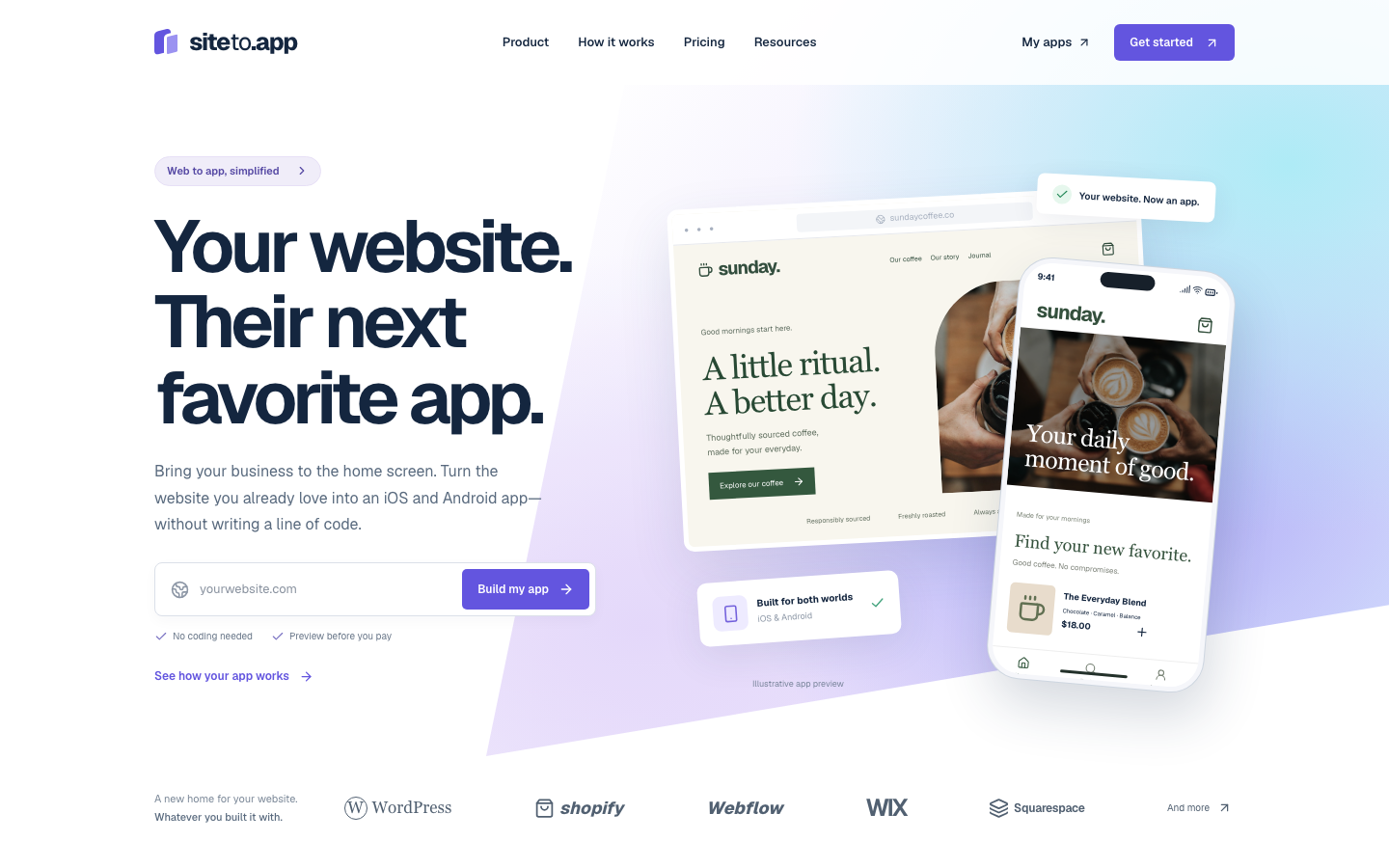
SiteTo.App is our own entry in this list. It is a no-code converter: you enter a public, mobile-friendly website, add your app name, icon, launch screen and menus, and preview the app on your phone for free. A one-time build fee ($29 Android, $79 iOS, $99 both) buys iOS and Android builds ready for you to submit.
The short answer
- Best for keeping one product instead of two: SiteTo.App. Your website stays the single source of truth, and the app adds native navigation, branding, and push notifications around it, with no ongoing subscription.
- Best premium managed service: MobiLoud. It suits established businesses that prefer an agency-like service and have a larger budget.
- Best broad visual builder: AppMySite. It offers multiple product-specific options with monthly, annual, or lifetime pricing.
- Best plugin library: Median. Its native plugins and JavaScript Bridge suit web developers who want more device control, at the price of an annual fee.
- Best for low-traffic subscription use: webtoapp.design. Its plans are sized by monthly active users, so small apps start on a small plan.
- Best mix of monthly and lifetime plans: Natively. It offers monthly, annual, and lifetime plans plus a paid publishing service.
- Best simple one-time packs: Appilix. Its paid plans are one-time payments, with a combined Android and iOS pack.
- Best source-code template: WebViewGold. It is a practical fit for someone comfortable opening Xcode or Android Studio.
- Best do-it-yourself framework: Capacitor. It is open source and flexible, but it is a development toolkit rather than a no-code service.
What is a website to app converter?
A website to app converter packages your existing mobile website inside an installable iOS or Android application. The better tools also add app-specific elements such as an app icon, splash screen, native navigation, push notifications, deep links, file handling, and store-ready builds.
Your website remains the main source of content. When you update a product, article, account page, or booking flow on the web, the same change can appear in the app without rebuilding that content from scratch.
This approach works best when your website is already fast, responsive, and useful on a phone. A converter can provide an app shell and native capabilities; it cannot rescue a broken mobile checkout or unreadable layout. For a Shopify store, the Shopify platform checklist covers the cart, account, and checkout flows to preview.
Comparison at a glance
| Tool | Best for | Pricing model | 24-month cost, one app | iOS + Android | Coding needed | Who controls the app |
|---|---|---|---|---|---|---|
| SiteTo.App | Existing website as product | One-time build: $29 Android, $79 iOS, $99 both | $99 for both, plus any later rebuild, quoted separately | Yes | No | Customer owns store accounts and listings |
| MobiLoud | Managed conversion | $1,499/month Business plus setup fee (October 12 figure) | $30,576 to $35,976, plus the one-time fee | Yes | No | MobiLoud handles submission and maintenance |
| AppMySite | Visual builder across site types | Free Android plan; paid iOS plans from $49/month | Pro: $696 billed yearly, $1,176 billed monthly, or $999 lifetime | Yes on paid plan | No | You own store accounts; AppMySite retains ownership of the app and licenses it to you |
| WebViewGold | Source-code template | Separate one-time license per platform | $308 for both at list, $218 at the sale price when checked | Yes with both templates | Yes for standard setup | Licensee works with source projects |
| Capacitor | Developer-run mobile project | Open-source runtime; developer time | Developer time | Yes | Yes | Developer owns projects and releases |
| Median | Web teams wanting native plugins | Starter: $229 activation, then $179/year | Starter: $408, with the next $179 due at month 24 | Yes | Optional, through its JavaScript Bridge | You publish, or its team publishes using your accounts |
| webtoapp.design | Subscription sized by app users | Small: CA$69/month billed yearly, including tax, as shown to us | Small: CA$1,656 | Yes | Check with vendor | You use your own developer accounts |
| Natively | Choice of monthly or lifetime | Essential: $19/month or $12/month billed yearly; Lifetime $699 | Essential: $288 billed yearly; Lifetime: $699 | Yes on paid plans | Check with vendor | Paid plans provide binaries; its publishing service is extra |
| Appilix | One-time packs | Standard Combo $229; Premium Combo $439 | $229 or $439 | Yes on combo packs | Check with vendor | You publish on Standard; its team submits on Premium using your account |
Prices checked October 31, 2026, except MobiLoud (October 12, 2026). The 24-month column excludes Apple and Google fees. The webtoapp.design page showed prices to us in Canadian dollars with tax, so your currency may differ. The per-tool sections below give the limits behind each short entry; check current vendor terms before buying.
SiteTo.App
Best for: Businesses whose website already does the important work and who want an app that improves every time the website does, without funding a second codebase.
SiteTo.App starts with your URL, then lets you configure your name, icon, splash screen, and navigation while previewing the result. The website remains the product: every page, checkout, booking, or account improvement your team ships on the web reaches app users at the same time, with no separate release.
Around that, the app adds the native layer: a branded app icon and launch screen, native menus and bottom tabs, and push notifications through your own Firebase project that can open a specific page when tapped. Its JavaScript SDK lets the website control the native layer directly: set the app header title, show cart or inbox badges on navigation tabs, highlight the active tab, open the native share sheet, request notification permission, and respond when the app is resumed.
Pricing is a one-time build fee rather than a subscription: $29 for Android, $79 for iOS, or $99 for both. iOS builds are uploaded to TestFlight and Android builds download as an APK or AAB; you submit to the stores yourself. Store developer accounts and their fees remain separate.
Advantages
- One product to maintain: web releases reach the app immediately
- Native navigation, branding, and push notifications with deep links
- A JavaScript SDK so your website can drive native titles, badges, navigation, and sharing
- No coding required, and a real-device preview before payment
- iOS, Android, or a combined build
- No monthly subscription
Considerations
- Intended for website-based apps, not a ground-up native rebuild
- The app is only as good as the mobile website; a slow or awkward site carries straight into the app
- Products built around Bluetooth, AR, heavy offline work, or background processing still need native development
- The price covers app builds, not unlimited future maintenance. Rebuilds for later configuration changes or new store SDK requirements are quoted separately
- You still need a suitable website and your own store accounts
- Apple and Google make the final approval decision
MobiLoud
Best for: Established publishers, ecommerce brands, and online businesses that want a hands-on managed service.
MobiLoud sits closer to an app agency than a simple converter. Its team handles configuration, submission, and ongoing maintenance. That can reduce work for an internal team, but the service is priced for established businesses with a larger app budget. Its pricing page lists Business at $1,499 per month, or $1,274 per month billed annually, plus a one-time development and submission fee. Enterprise pricing is custom.
Advantages
- High-touch implementation and support
- Store submission and maintenance assistance
- Designed for established content and commerce sites
Considerations
- Premium recurring price, quoted per project
- More service than many early-stage businesses need
AppMySite
Best for: Users who want a visual subscription builder with options tailored to WordPress, WooCommerce, Shopify, or general websites.
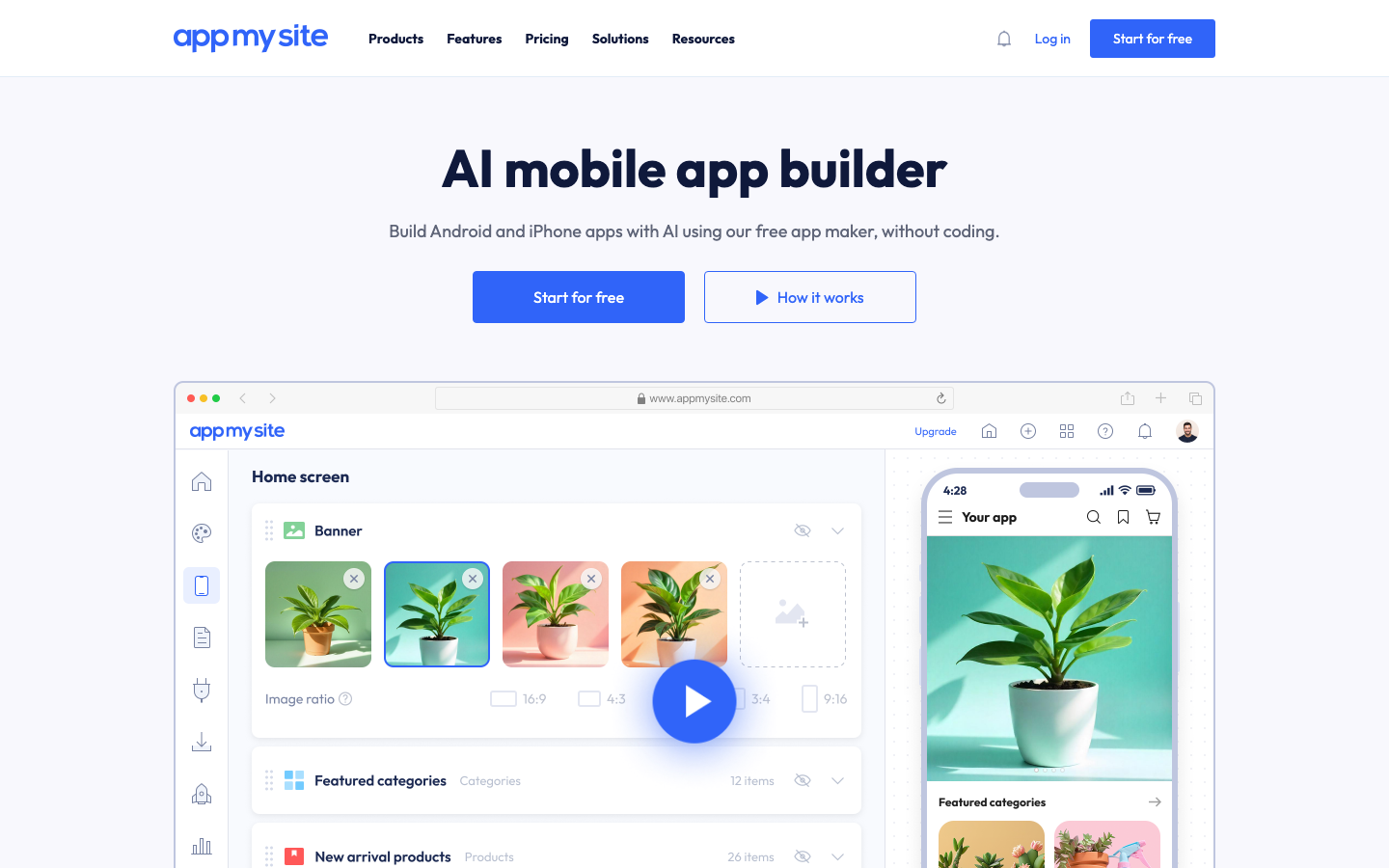
AppMySite offers separate products for different site types, real-device testing, design customization, notifications, and publishing features. Its website-to-app product has a free Android-only plan with AppMySite branding and one Android build. Its pricing page lists unlimited downloads, while its usage-limit help page still says 1,000, so confirm before relying on it. Plans that include iOS start at $49 per month, $29 per month billed yearly, or $999 as a lifetime payment.
Advantages
- Broad visual customization
- Product-specific paths for popular website platforms
- Free entry point for basic Android use
- Established help content and user base
Considerations
- iOS requires a paid plan; lifetime licenses cost substantially more than a single build
- Features vary significantly by tier
Check AppMySite's current web-to-app pricing before choosing a plan.
WebViewGold
Best for: Developers or technically confident users who want a licensed template and more direct control of the project.
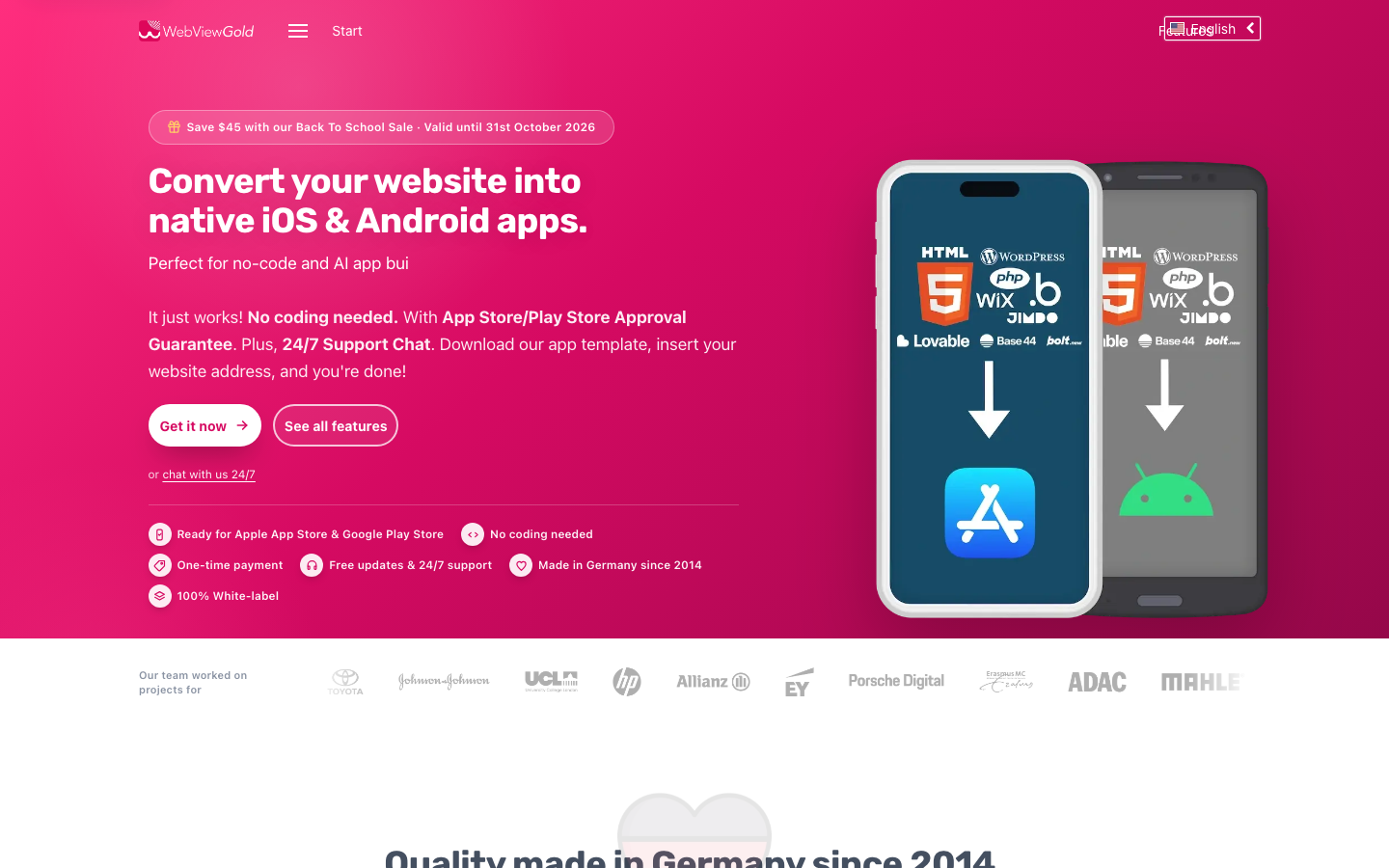
WebViewGold sells separate iOS and Android source-code templates as one-time licenses. It lists $154 per platform, with a sale price of $109 when checked on October 31, 2026. A Cloud Builder add-on and a Full Service option ($399 listed, $349 on sale when checked) are available for people who do not want to compile the projects themselves. It supports features such as push notifications, downloads, social login, and URL handling.
Advantages
- One-time template license
- Source-code access
- Many configuration options
- Separate templates let developers control each platform
- Advertises an App Store and Google Play approval guarantee backed by a refund within 14 days; its FAQ limits refunds to rejections unrelated to your content, so read the terms
Considerations
- Standard setup requires Xcode for iOS or Android Studio for Android, unless you pay for the Cloud Builder or Full Service
- Buying and maintaining two templates adds work
- It is less approachable for a completely nontechnical owner
Capacitor
Best for: Web developers who want an open-source runtime and are comfortable maintaining a mobile codebase.
Capacitor, maintained by Ionic, lets developers run a web application in a native project and call device APIs through plugins. There is no converter subscription, but there is real engineering work: configuring projects, signing builds, testing devices, handling permissions, and keeping dependencies current.
Advantages
- Open source
- Large plugin ecosystem
- Direct access to native projects
- Flexible for custom development
Considerations
- Not a no-code tool
- You own build, release, and maintenance work
- Total cost depends on developer time
Median
Best for: Web developers who want a library of native plugins and JavaScript control, and accept a recurring fee.
Median starts with a free plan that shows a "Powered by Median.co" watermark. Starter costs a $229 one-time license activation fee, then $179 per year starting 12 months later. Essential is $590 then $399 per year, and Plus is $990 then $669 per year. Business, its fully managed plan, starts at $7,200 per year. Our SiteTo.App vs Median comparison goes deeper.
Advantages
- Native plugin library and a JavaScript Bridge for controlling the app from your website
- Rebuilds for new iOS and Android releases through its App Studio, on every plan
- Optional publishing service with an advertised approval guarantee
Considerations
- The activation fee is one-time, but the plan is not: the annual fee continues
- Paid plugins depend on the tier
- The publishing service is priced separately from the plan
webtoapp.design
Best for: Owners who prefer a subscription and expect modest app usage.
webtoapp.design sizes plans by monthly active users. As shown to us in Canadian dollars with tax, billed yearly, Small is CA$69 per month for up to 250 users, Medium is CA$119 for up to 2,500 users and 5 push notifications per month, and Large is CA$169 for up to 25,000 users and 100 push notifications per month. Enterprise starts at CA$689 and adds a done-for-you publishing service. Plans list free app updates and a 14-day free trial.
Advantages
- App updates listed as free on every plan
- 14-day free trial, with cancellation anytime
- Uses your own developer accounts, so you are named as the publisher
Considerations
- User and push limits apply below Enterprise, so model growth before you commit
- The Small plan does not list push notifications
Natively
Best for: Owners who want to choose between low monthly pricing and a lifetime plan.
Natively has a free tier for testing that excludes app binaries and store publishing. Essential is $19 per month, or $12 per month billed annually. Unlimited is $49 per month, or $32 per month billed annually. Lifetime is $699 with the same features as Unlimited. Essential's footnote says it includes 4 rebuilds with extra builds at $9 each, while its feature list says unlimited builds, so confirm which applies. App Store Publishing starts at $600 and is advertised as "Approval guaranteed." Essential, Unlimited, and Lifetime each list a "100% app store release guarantee."
Advantages
- Monthly, annual, and lifetime options
- Paid plans list IPA, APK, and AAB binaries, push notifications, and in-app purchases
- Paid publishing help is available if you want it
Considerations
- The free tier cannot produce a store build
- Publishing help adds substantially to the plan price
Appilix
Best for: Owners who want a simple one-time pack for both platforms.
Appilix lists Standard at $119 for Android or $149 for iOS, and Premium at $229 for Android or $269 for iOS. Combo packs are $229 for Standard and $439 for Premium. Its FAQ says paid plans are one-time payments with no recurring charges and include future features and updates.
Advantages
- One-time payment, with a combined Android and iOS option
- Future features and updates included, according to its FAQ
- Premium includes store submission using your developer account
Considerations
- On Standard, you publish the app yourself
- Paid add-ons, such as its publishing service, are charged again when you push future store updates
If your store runs only on Shopify: Evlop
Website converters are not the only route for a Shopify store. Evlop is built specifically for Shopify rather than general websites. It turns a merchant's Shopify catalog into native iOS and Android apps, keeps products, inventory, customers, and orders synchronized, and provides a visual editor with real-time previews. Its pricing page listed plans from $99 per month, with a 14-day trial, unlimited push notifications, and zero revenue share when checked October 31, 2026. It requires an ongoing subscription and works only for Shopify stores, so it is outside the nine tools above. Our Shopify app options guide compares the routes.
Why not build a separate native app?
A custom native app has the highest technical ceiling. For a game, a camera-first product, or an app that works mostly offline, that ceiling matters.
For most businesses that already run a good website, the ceiling is not the problem. The problem is that a native app is a second product. Every feature, price change, promotion, and bug fix has to be built twice, tested twice, and released through app review. In practice, the website usually gets the attention, because that is where most traffic and revenue arrive, and the app falls behind. Users notice: features missing from the app, stale content, and checkout or account flows that work differently from the site.
A website-driven app avoids that trap. The team keeps improving one product, and the app inherits each improvement on the day it ships. Native work then goes where it adds real value: navigation, notifications, and the moments where the phone can do something a browser tab cannot.
The tradeoff is real. If your mobile website is weak, a native rebuild may be the better investment. But if the website is already the best version of your product, maintaining a separate app that trails it is a lot of effort for little benefit.
How to choose the best converter for your website
1. Decide how much work you want to own
Choose a guided builder if you want to supply a URL and brand assets. Choose a source-code product only if someone can maintain Xcode and Android Studio projects. Choose a managed service if internal time matters more than price.
2. Calculate the two-year cost
Do not compare only the first payment. Add setup charges, monthly or annual plans, native-feature add-ons, store submission services, developer accounts, and future updates. Store requirements change every year: since April 28, 2026, Apple only accepts uploads built with the iOS 26 SDK, and Google Play required new apps and updates to target Android 16 (API level 36) by August 31, 2026. Ask each vendor who produces those rebuilds and what they cost. Our website-to-app cost guide shows what belongs in the budget.
3. Check the features you actually need
Write down the app-specific value before choosing a tool. Common requirements include push notifications, native navigation, deep links, downloads, camera access, secure login, location, and share actions. Paying for dozens of unused integrations rarely improves the app.
4. Inspect the finished experience
Test on a real phone. Check login, checkout, file uploads, external links, the back button, keyboard behavior, loading states, offline errors, and safe areas around notches and home indicators. A working preview is more useful than a long feature list.
5. Understand store support
No vendor controls whether Apple or Google accepts your app. Apple says an app should offer features, content, and interface value beyond a repackaged website. Your content, business model, privacy disclosures, account setup, and reviewer access also affect approval. Read our App Store and Google Play publishing guide before launch.
Common questions
Is SiteTo.App the right choice if my website already does the core work?
Yes, if you want the app to load your live website and add mobile navigation and notifications without maintaining a second content system. The one-time build is $29 for Android, $79 for iOS, or $99 for both. You still manage your own store accounts and submissions, and the mobile site must work well first.
Is Evlop a better fit for a Shopify-only native storefront?
Yes, if your priority is a dedicated Shopify storefront with live catalog sync and commerce tools. Evlop's pricing page lists plans starting at $99 per month, so include the ongoing subscription in your budget. A general website converter makes more sense when your existing site, rather than a separate native storefront, should stay the product.
Does MobiLoud submit and maintain the app for you?
Yes. MobiLoud is the managed option in this comparison: its team handles configuration, submission, and maintenance. The post lists Business at $1,499 per month plus a one-time development and submission fee, with an annual billing option. Confirm the current scope and price with MobiLoud before relying on that figure.
Can I use WebViewGold or Capacitor without coding?
No, the standard routes expect technical work. WebViewGold gives you source-code templates to configure in Xcode and Android Studio, although it also lists paid builder and service options. Capacitor is an open-source developer toolkit, so you manage native projects, signing, device testing, releases, and ongoing dependency updates yourself.
Does any converter guarantee App Store approval?
Apple and Google make the decision, so no vendor controls the outcome. Some vendors, such as WebViewGold, advertise an approval guarantee backed by a refund within a set period; read the terms. Median advertises a guarantee on its paid publishing service. Natively advertises one on that service and lists a "100% app store release guarantee" on its paid plans. SiteTo.App does not guarantee approval. A working website, accurate listing, usable mobile navigation, privacy answers, and reviewer access help you prepare. Read the website app publishing checklist before choosing a tool based on store support.
Our verdict
We make SiteTo.App, so weigh this accordingly: for a business whose mobile website already does the core job, SiteTo.App is our pick because it has a one-time fee, a free preview, and your own store accounts. Median is a stronger fit for web developers who want a large plugin library and accept an annual fee. MobiLoud suits teams that want managed service and have the budget for it. Capacitor makes more sense for developers who want an open-source runtime and full control of the native projects. If your store runs only on Shopify, read the Evlop note above. If you want to avoid a subscription, see our one-time payment comparison.
The best converter is ultimately the one that matches your website, skills, required native features, and maintenance budget. Start with a real-device preview, price the full ownership period, and confirm store requirements before committing.
See your website as an app
Customize the experience and preview it before choosing a platform.
Build your preview