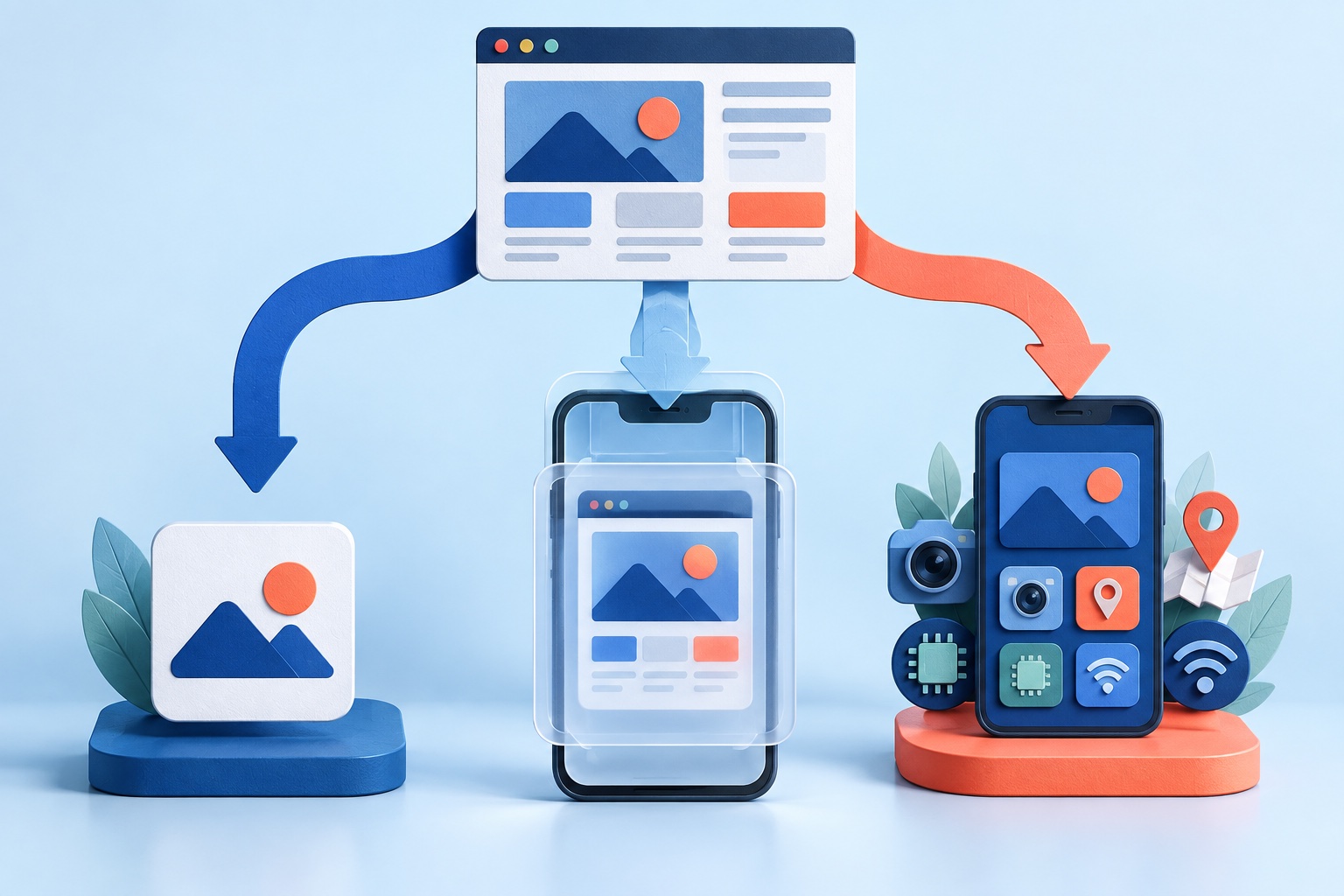
WordPress powers a huge range of sites, from blogs and memberships to full WooCommerce stores, so there are many ways to turn one into a mobile app. They fall into three groups: plugin-based app builders, website-to-app converters, and custom development.
This guide compares them on cost, effort, and fit, so you can pick the one that matches your site and your goals instead of the one with the loudest advertising.
Which "WordPress app" do you mean?
The phrase covers two different things:
- The WordPress mobile app from WordPress itself is for site owners and editors to write posts and manage a site. Your visitors do not use it.
- Your own branded app has your name and icon in the App Store and Google Play, and lets your readers or customers use your content, membership, or store.
This article is about the second. The goal is usually one or more of these: make it easier for people to come back, send them notifications, be present in the stores, or offer a smoother mobile checkout.
Route 1: A WordPress plugin that builds an app
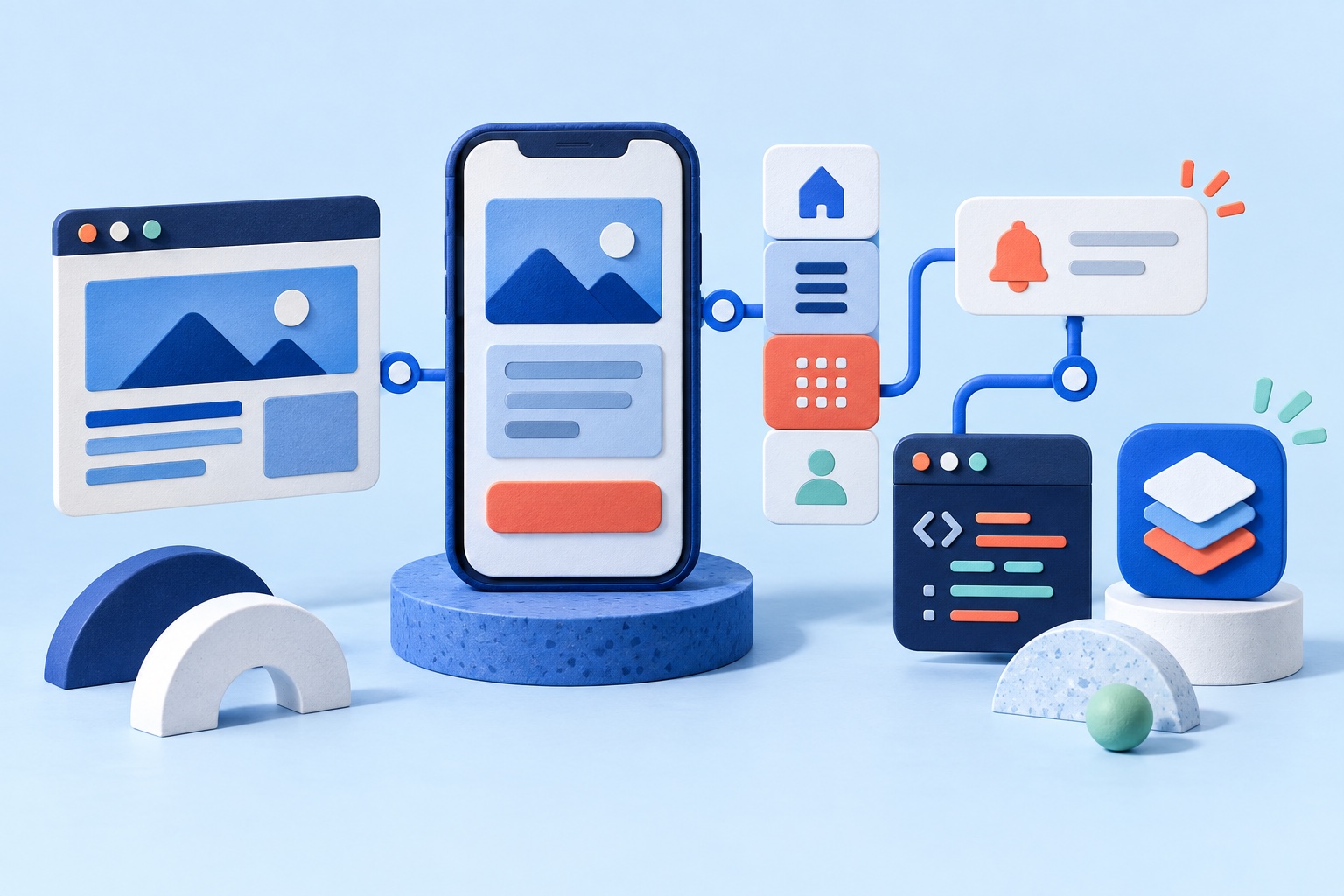
Several plugins add an app layer to your site. They typically connect to your content through the WordPress or WooCommerce REST APIs, or generate an app from your posts, pages, and products.
Strengths
- You manage the app from inside your WordPress dashboard.
- Content and products are pulled in automatically.
- Good for blogs and news sites with a simple structure.
Considerations
- The app often shows a simplified version of your content rather than your actual theme and plugins. A page built with a page builder, a custom form, or a membership plugin may not appear as it does on the website.
- Compatibility depends on the plugin. Extensions that change checkout, pricing, or accounts can break an API-based app.
- Pricing models vary. Some use a monthly or yearly subscription, others a one-time fee, and many charge extra for publishing to the stores or for push notifications.
- You may still need to produce and submit your own store builds.
Best for: content-focused sites with standard post types and few custom plugins.
Route 2: A website-to-app converter
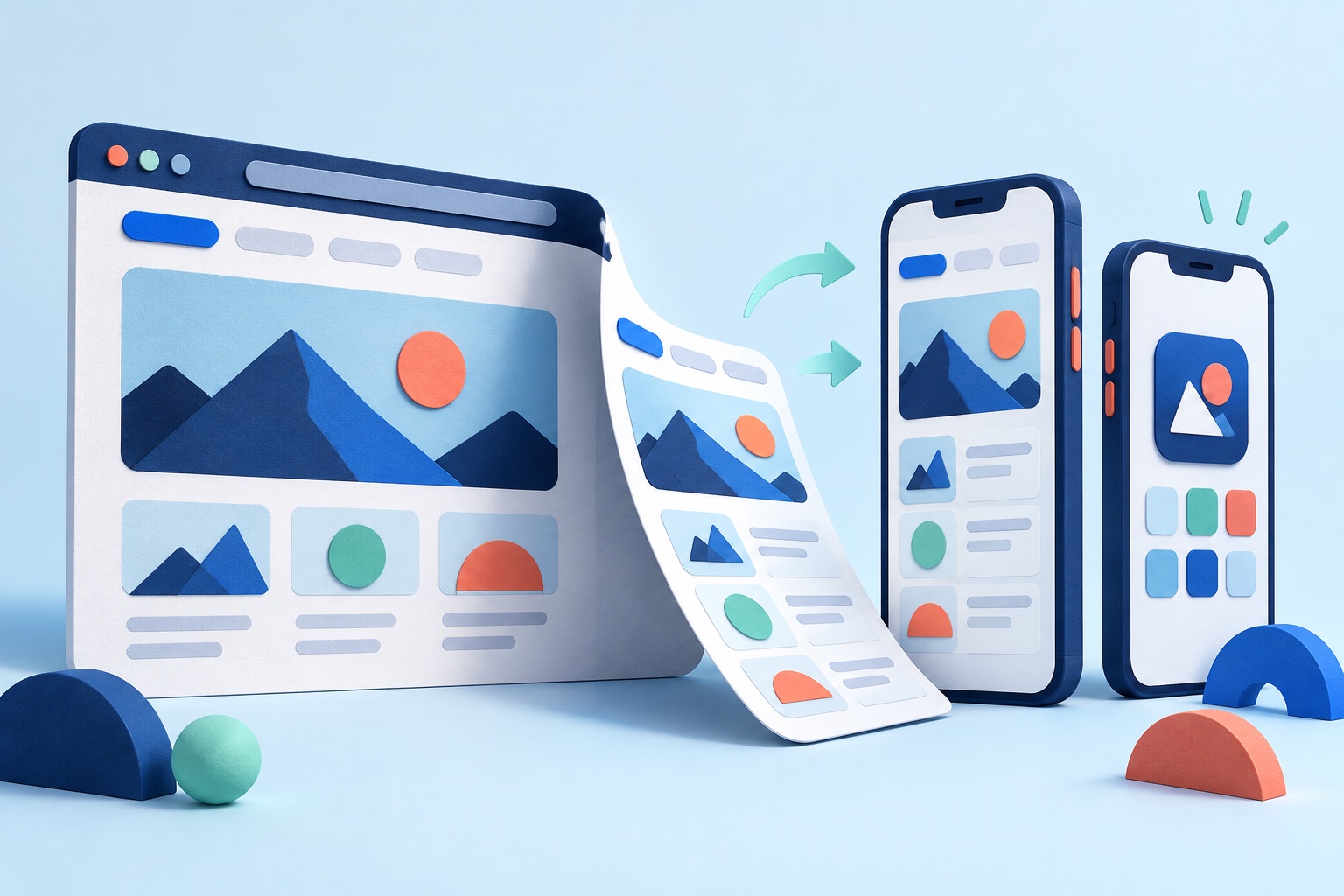
A converter uses your public URL. It packages the website you already have, theme, plugins, and all, into an iOS and Android app, and adds an icon, a launch screen, native navigation, and optional push notifications.
With SiteTo.App:
- You enter your site's URL. No WordPress plugin is required.
- You get a free phone preview and can edit menus and bottom tabs.
- Your content, theme, forms, and member areas stay where they are, and changes you publish in WordPress appear in the app without a new store release.
- Builds are one-time prices of $29 for Android, $79 for iOS, or $99 for both. There is no subscription, and developer account fees are separate.
- Push notifications are set up through Firebase.
Strengths
- The app shows your real site, so what works on your mobile website generally works in the app.
- No second system to maintain.
- Low, predictable cost and fast setup.
Considerations
- The app is only as good as the mobile site. If your theme is slow or awkward on a phone, the app will be as well.
- It is not a custom native design. It follows your layout.
- Plugin-powered flows, such as logins, paywalls, forms, and payment gateways, need testing in the embedded view.
- Apple expects an app to offer more than a repackaged website. See Apple Guideline 4.2: will Apple reject a website app?.
Best for: WordPress sites with a working mobile theme that want app presence and notifications without a rebuild.
The WordPress platform page explains the setup in more detail.
Route 3: Custom development
A developer or agency builds a native or cross-platform app that reads from WordPress through its REST API, or from WPGraphQL if you use that. The design is fully custom and the app can do things the website cannot.
Strengths
- Complete control over design and native features.
- Can be fast and polished.
Considerations
- It is a project with design, development, testing, and ongoing maintenance, commonly costing five figures or more.
- Every feature your site has, such as memberships, search, forms, and checkout, has to be rebuilt in the app or exposed through an API.
- Store SDK requirements and OS releases need regular updates.
Best for: publishers and brands where the app is a product in its own right.
WooCommerce: what changes for a store
A store raises the stakes because the app touches payments and accounts.
- Checkout and payment gateways. A converter uses the checkout already running on your site. Test each important gateway, including redirects, wallets, and 3-D Secure, in the preview before building.
- Product and inventory data. With a converter or a custom app that reads your store's data, products, prices, and stock are managed in the same WordPress dashboard.
- Extensions. Subscriptions, bookings, bundles, and shipping plugins vary in how they behave inside an app. A plugin-based or custom app may need explicit support for each one.
- Customer accounts. Make sure login, password reset, and order history work in the app.
Read the WooCommerce platform page for what to check. If you are comparing app routes for a store on Shopify instead, see Shopify mobile app options and costs.
Cost comparison at a glance
These are typical ranges, not quotes.
- Plugin-based builders: often a subscription or license fee, with extras for store publishing and notifications.
- Website-to-app converter: a one-time build price, such as $29 to $99 on SiteTo.App.
- Custom development: commonly five figures and up, plus maintenance.
Always add Apple's $99 yearly developer membership and Google Play's one-time $25 fee, plus the time for store listings and review. Our cost guide breaks down the full picture.
How to choose
- Is your mobile site good? If yes, a converter reuses it. If not, fix the theme first or consider a custom route.
- How plugin-heavy is your site? Heavy plugin use favors a converter, which shows them as they are, over an API-based builder that must support each one.
- Do you want a different experience from the website? If yes, a custom build is the honest answer.
- What is your budget? One-off cost favors a converter, and subscription cost favors a plugin only when it replaces other tools.
- Who will maintain it? Converters and plugins need little upkeep. Custom builds need a team.
For a broader look at converters, read our comparison of the best website-to-app converters.
Prepare your WordPress site
Before building, make a quick pass:
- Use a mobile-friendly theme and check pages at phone width.
- Disable intrusive pop-ups and check that cookie banners can be dismissed on a small screen.
- Test login, membership, forms, and paywalls on a phone.
- Make sure your privacy policy and support page are live.
- Check page speed on a mobile connection. Heavy plugins and large images are felt more in an app.
The readiness checklist helps you review these and estimate costs.
Publishing to the stores
A build is not the same as a published app. You still need Apple and Google developer accounts, store listings, screenshots, privacy answers, and review. SiteTo.App sends iOS builds to TestFlight in your own App Store Connect account and provides downloadable Android packages. See the publishing guide for the full checklist.
Common questions
Do I need a WordPress plugin?
Not for a converter. SiteTo.App starts from your site's public URL.
Will my plugins work inside the app?
Plugins that render correctly on your mobile site usually work in the app too, but behavior varies. Test forms, memberships, payments, and video in the preview.
Can I send push notifications for new posts?
Yes, with Firebase connected, users who opt in can receive broadcast messages. The Firebase guide explains the setup.
Will my content update automatically?
Yes. The app loads your website, so what you publish in WordPress shows up there without a new store release.
Can I use the same approach for a multisite network?
Each site has its own URL and can be previewed as its own app. Check each site's design and login behavior individually.
Next steps
If your site is mobile-friendly, preview your WordPress site as an app and test it on your phone. Then review pricing and follow the create and publish guide.
See your website as an app
Customize the experience and preview it before choosing a platform.
Build your preview